AIDG Coworker
Desktop app · Processing in Europe · Windows

The AI coworker that works on your own computer

AIDG reads your documents where they are, creates and edits your Word, Excel and PowerPoint files, transcribes meetings, generates images, music and video, operates websites for you and keeps working while you do something else. All in one program, with AI processing in Europe. You choose what needs doing — not which model.

For Windows · No credit card required · No API keys or technical knowledge needed

Documents Word, Excel, PowerPoint Scans and photos Transcription Images Video Music Read aloud Operating websites From your phone Scheduled tasks
Why an app and not a tab

How this differs from AI in your browser

A chat window gives answers. AIDG picks up the work.

📁

It knows your files

No more copy and paste. You point at a folder and ask. Hundreds of documents are searched on your own computer — scans and photos included.

⚙️

It does not just talk, it does

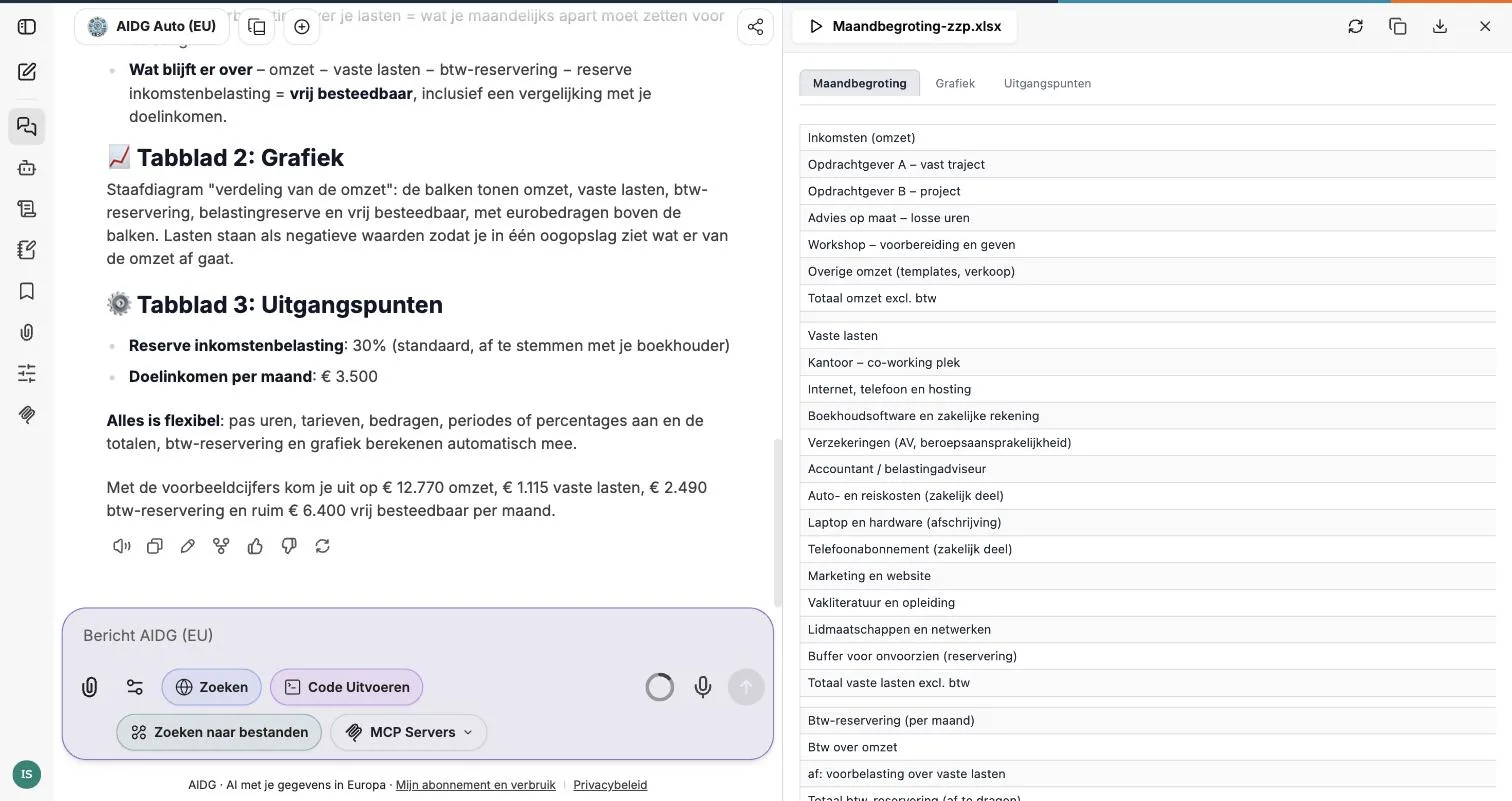
Convert files, recalculate a spreadsheet, build a presentation, operate a website. You do not get instructions on how to do it, you get the result.

🇪🇺

It stays close to home

The app runs on your machine, AI processing happens in Europe, and nothing is retained or used for training. Your account shows what was processed, request by request.

More than the sum

The parts work together

Individual features are useful. The gain is that they chain together in a single conversation — without you dragging files between four different services.

From meeting to quote out the door

Recording Transcribed Action points Quote in Word Email queued

You drop in the recording of the meeting. It gets transcribed, agreements and action points come out, the quote is built in your own Word template and the email sits ready in your mail program. You press send — the app asks first.

Otherwise: a transcription service, retyping into Word, and writing the email yourself. Three programs and an afternoon.

From a folder of invoices to one overview

Point at a folder Scans read Amounts extracted Excel overview Monthly, automatically

You point at the folder. Skewed scans and phone photos are read too. Supplier, date and amount land in an overview you can calculate with. Put it on a schedule and it appears every month by itself.

Otherwise: retyping. And the scans are exactly the part nobody wants to take on.

From product to social post

Description Image Video with sound Music underneath Copy to match

You describe what you want to show. The image, the clip, the music underneath and the copy all come out of the same conversation — so they match, instead of you hunting for pieces that fit.

Otherwise: a stock subscription, a video service and a music library, and then puzzling until it fits together.

From archive to a sourced answer

Hundreds of documents Searchable locally Your question Answer with the source

Contracts, specifications, reports, notes. You ask in plain language and get an answer with the reference attached: which document, which passage. So you can check it instead of taking it on faith.

Otherwise: searching by filename and hoping you grabbed the right version.

From on the road to done when you get back

Message from your phone Your computer picks it up A question back if something is unclear Result as a message

You give an instruction on the road and your own computer gets going. If something is unclear you get a question back instead of a guess. The result arrives as a message, with the file or photo attached.

Otherwise: waiting until you are back at your desk.

From your way of working to something the team uses

Do the job once, properly Capture it Share with colleagues Everyone does it the same way

The monthly report, the intake check, the way you build a case file: capture it once and share it with your team. After that everyone does it the same way, including next month’s new colleague.

Otherwise: it lives in one colleague’s head, and it leaves when they do.

The arithmetic

What goes away, and what gets added

On the left, what you no longer need separately. On the right, what you do not have anywhere today.

Already included

Each of these is something companies keep a separate subscription for.


  • An AI to write and think with
  • Transcribing recordings and interviews
  • Reading scans, photos and handwriting
  • Creating and editing Word, Excel, PowerPoint and PDF
  • Creating images for presentations and publications
  • Creating short videos, with or without sound
  • Background music without a stock library
  • Having text read aloud
  • And the copy-and-paste in between

Newly possible

A chat window cannot do this, however good its answers are.


  • Work that continues while you do something else
  • Steering your computer from your phone, with a file or photo back
  • Recurring work on a fixed schedule, without having to remember it
  • Your own way of working captured and shared with the team
  • Several assistants at once on a big job
  • Having websites and web apps operated, with your go-ahead for anything irreversible
  • A link to the systems you already use
  • It remembers what is going on, so you do not explain it every time
The parts

What is in the box

Every part is usable on its own. Not one of them needs a subscription of its own.

✍️

Writing and thinking along

A proposal, an email, a summary. You ask follow-ups, steer, and the conversation remembers what it was about.

🔍

Digging through documents

Contracts, annual accounts, notes, reports. Ask questions and get answers that point back to where they came from.

📄

Word, Excel, PowerPoint and PDF

Not just reading: creating and editing too. Recalculate a spreadsheet, draft a presentation, convert a report.

📷

Photos, scans and screenshots

A photo of an invoice, a scanned form, a screenshot. Skewed or handwritten scans are read too.

🎤

Transcribing meetings

A recording or interview becomes text, and you ask questions about it straight away. Minutes and action points come out of the same conversation.

🔊

Read aloud

Turn a summary or a text into spoken audio. Handy on the road, or for anyone who would rather listen than read.

🎨

Creating images

An illustration for a presentation, an image for an article, a sketch of an idea. Describe what you have in mind.

🎬

Creating video

A short clip from a description, with or without sound. For a social post, a pitch or a product shot.

🎵

Creating music

Background music or a tune for your video, with lyrics if you want. No stock subscription needed.

⚙️

Getting chores done

Process files, convert data, automate recurring work — in a walled-off environment, separate from your normal system.

🌐

Operating websites and web apps

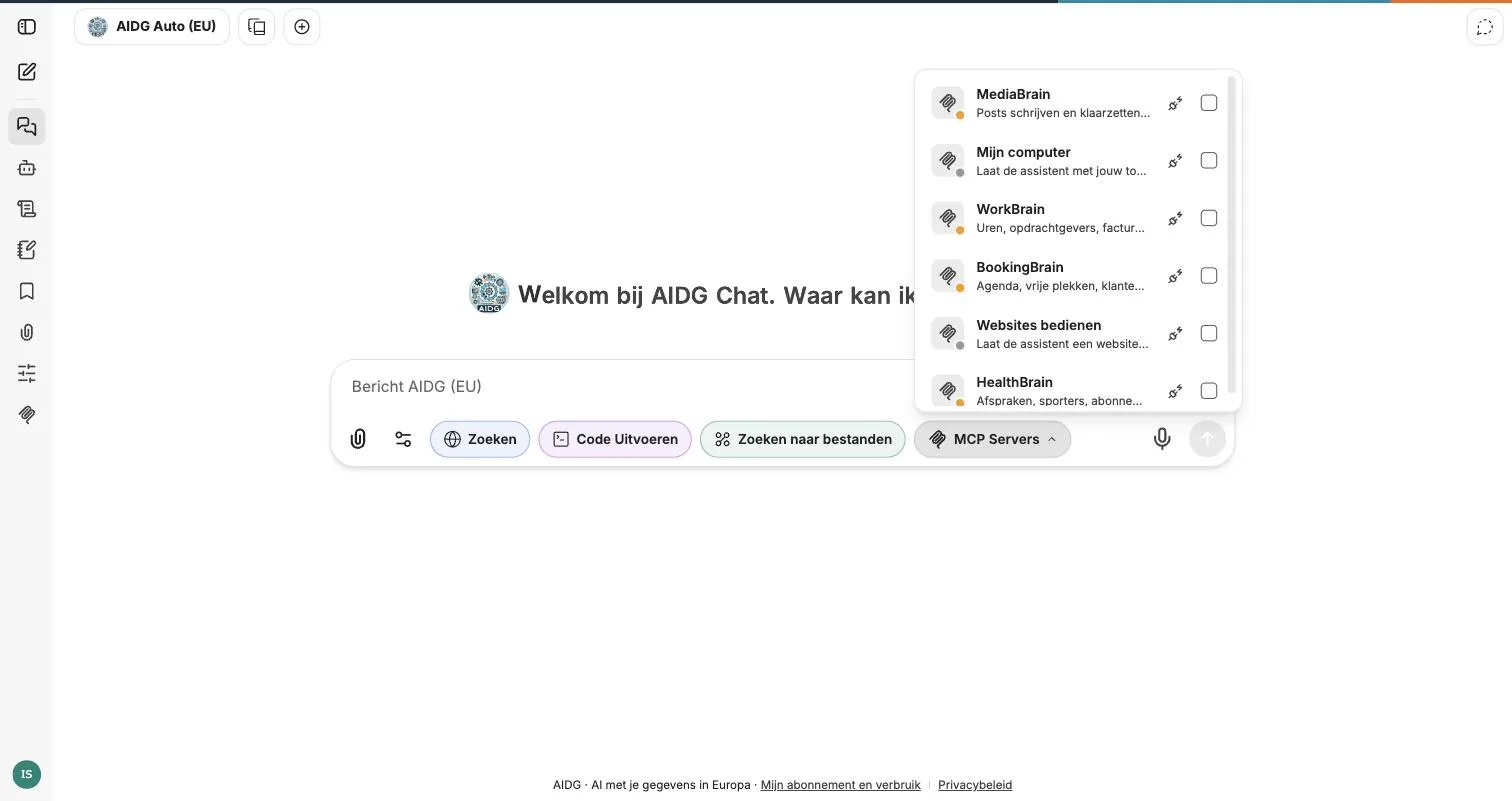
Look things up, fill things in, get things ready. Irreversible steps such as sending or ordering ask for your go-ahead first, quoting the actual button.

💬

Steer it from your phone

Give an instruction on the road and get the result back as a message, with a photo or file attached. Your computer keeps working while you are away.

And beyond that

It remembers what is going on. You do not have to explain your situation over and over.

Tasks on a schedule. An overview every Monday morning, a report every month.

Quick chat on a shortcut. A small window on top of any program, without interrupting your work.

Several assistants at once. Split up big jobs and run them in parallel.

Capture your own way of working. Record a recurring chore once and share it with your team.

Connect your own systems. Works alongside other tools you already use.

By department

Where it pays for itself right away

Start with the work that involves the most retyping today.

Administration and finance

Read invoices and receipts, carry amounts into an overview, compare annual accounts. Including the scans and photos nobody wants to retype.

Consulting and sales

From meeting notes to a quote, from quote to presentation. This morning’s conversation transcribed, action points extracted, the proposal ready before it goes out.

Projects and engineering

Search specifications and reports for what they actually say, convert data between formats, automate recurring checks.

Marketing and communications

Image, video, music and copy from one brief, so they match. Turn an existing piece into a post, a newsletter or a presentation.

Management and leadership

A stack of board papers reduced to what actually needs deciding, with sources attached. Monthly reports that appear by themselves.

Procurement and contracts

Compare terms side by side, find deviations and deadlines, list renewal dates. You decide; the app finds it and shows you where it says so.

How it works

From nothing to working in fifteen minutes.

1
Install and sign in
Create an account, download the app and sign in. No keys to enter, no settings to figure out.
2
Point at where your work is
Open a folder or drag files in. They are read and made searchable on your own computer.
3
Say what needs doing
In plain language. The app picks the right model itself, does the work, and shows what it did and what it cost.

Your files stay with you

This is where AIDG differs most from an AI service in your browser.

The app runs on your own computer and works with your files where they are. Documents are opened, read and made searchable locally. Ask about a folder full of contracts and it is searched here — no entire folder or cloud library leaves your machine.

What does go to the AI is the information needed to answer your question. A targeted passage rather than a whole archive.

Privacy

Processed in Europe, then gone

The question every customer asks first, and rightly so.

🇪🇺
In Europe

AI processing happens within the EU/EEA.

🗑️
Not retained

Your data is used to process your request and is not retained by the AI provider afterwards.

🚫
Not used for training

Your conversations and documents do not end up in a training set.

📊
You see what happens

Your account shows, per request, what was processed and what it cost.

You pick what to do, not which model

Most AI services make you pick a model with a name full of numbers, then work out what it can do. With AIDG you pick the task.

A quick question gets something fast. A complex analysis something more thorough. A scan something good at reading. You can steer — ask for more depth or more speed. When the technology underneath changes, you notice better answers. Not a new dropdown.

Prefer your own keys? That works too. Connect AIDG to your own AI account, or to a model running entirely on your own machine. Then nothing goes through us.

The longer you work on something, the cheaper it gets

Keep working on the same document or subject and AIDG reuses what it already processed. That cuts waiting time, and the repeated part gets considerably cheaper. It adds up precisely on the work that takes you an afternoon. You do not have to do anything — it just happens.

What people usually ask first

Do we need to understand AI?

No. You install the app, sign in and type what needs doing. No keys, no settings, no model names.

Do our files have to go to the cloud?

No. The app works with your files where they are. Only what is needed to answer your question goes to processing in Europe.

What if we already have an AI subscription?

Then connect it. You can point AIDG at your own AI account, or at a model running entirely on your own machine.

Which computers does it run on?

The app is available for Windows. On top of that you can steer it from your phone, wherever you are.

How do we know what it will cost?

You start with seven days free, no credit card. After that your account shows, per request, what was processed and what it cost.

Will it do anything irreversible without us?

For steps such as sending or ordering it asks for your go-ahead first, quoting the actual button on the page. Chores run walled off, separate from your normal system.

What it costs

You start with seven days free, no credit card. After that you pick a plan that fits your usage. It comes with credit, which you spend per conversation, document or recording — you pay for what you actually do.

Run out and you top up. The higher your plan, the better the top-up rate. Your account shows exactly where it went: which request, when, and what it cost. All in one program, so no separate subscriptions for text, images, speech and video.

See the plans

Put it to work this afternoon

Create an account and install the app. Take a job that means retyping today — a folder of invoices, this morning’s recording — and see what is left of it. Seven days free, no credit card, no technical knowledge needed.

Available for Windows